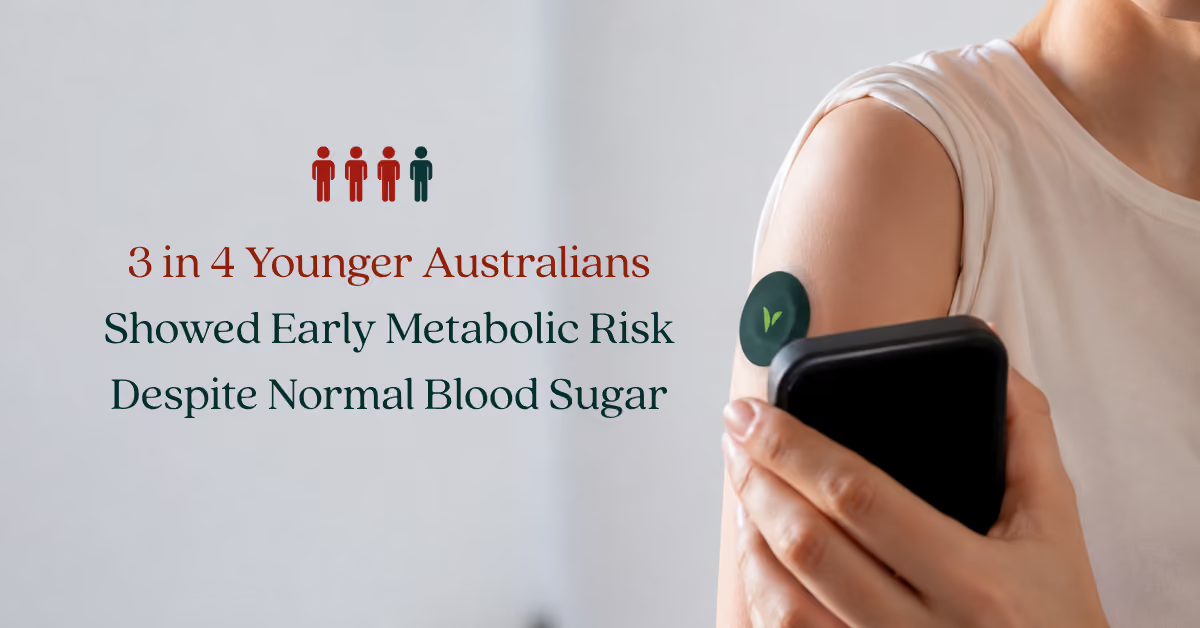



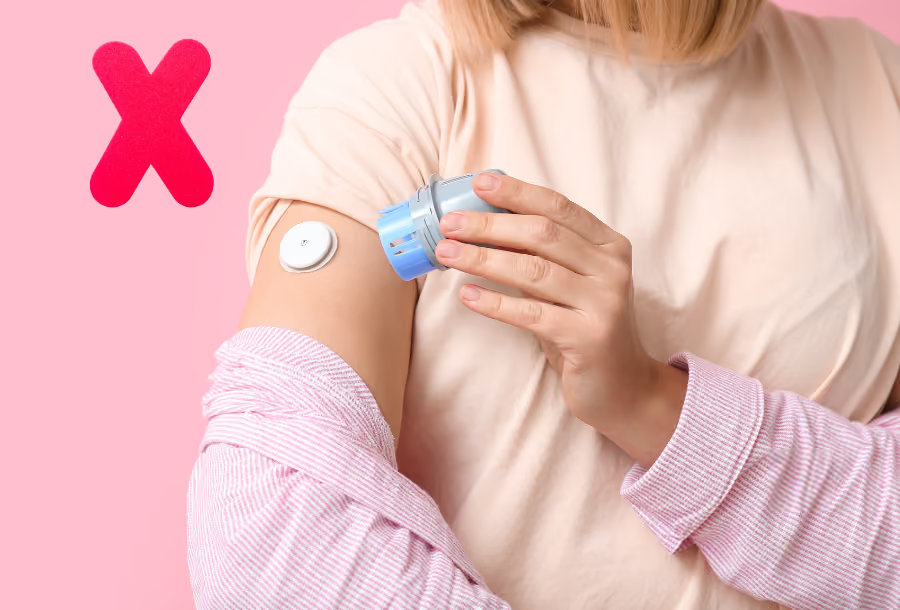
The best place to put a CGM for most sensors is the back of the upper arm, on a flat, fleshy spot you will not lie on or bump. FreeStyle Libre 2 Plus and Accu-Chek SmartGuide are worn on the upper arm only, while Dexcom G7 can also go on the abdomen. Always follow your sensor's instructions.
Most CGM problems start in the first five minutes, when the sensor goes on. Work through this checklist next time you apply one: it saves your progress on this device.
Put your CGM where the manufacturer says it is tested and approved, which for most sensors in Australia is the back of the upper arm.
| Sensor | Where it goes | Warm-up |
|---|---|---|
| FreeStyle Libre 2 Plus | Back of the upper arm | 60 min |
| Dexcom G7 | Arm or abdomen (ages 2 to 6 also upper buttocks) | 30 min |
| Accu-Chek SmartGuide | Upper arm only | 60 min |
Aim for the fleshy back of the upper arm, where there is some fat under the skin. Avoid spots that rub on doorframes, seatbelts or bag straps.
Pick the arm you do not usually sleep on. Pressure from lying on the sensor is a common cause of false lows overnight.

Only if your sensor is approved for it. Dexcom G7 lists the abdomen as a wear site, but FreeStyle Libre 2 Plus and Accu-Chek SmartGuide do not.
The arm may have a small accuracy edge. In Dexcom's adult G7 study, readings were slightly more accurate on the arm (MARD 8.2%) than on the abdomen (MARD 9.1%). If you use the abdomen, keep clear of your waistband and belly button.
New to sensors? Our FreeStyle Libre Plus guide covers setup in more detail.
Most odd CGM readings come from a handful of avoidable mistakes, and each has a simple fix.
Lying on the sensor squeezes fluid out of the tissue around it, so the reading drops sharply even though your blood glucose has not changed. This is called a compression low.
It usually shows up overnight as a steep fall that bounces back when you roll over. Move your next sensor to the arm you do not sleep on. If you have night-time lows with symptoms, read about low blood sugar at night.
Oil, lotion, sweat and leftover adhesive are the main reasons sensors peel off early.
Dexcom's Australian advice is to apply to clean, fully dry skin, use the overpatch, avoid hairy areas, and trim lifted edges and add medical tape. The NDSS adds that tape, adhesive patches and barrier films can all help keep a sensor attached.
Putting a new sensor on the same patch of skin, or over scars, tattoos or irritated skin, makes irritation and poor readings more likely. Move each new sensor to a fresh spot within the approved area.
Every sensor needs a warm-up, and early readings can be less reliable. Dexcom G7 gives readings after 30 minutes, and Libre 2 Plus and SmartGuide after 60 minutes.
Abbott says accuracy generally improves after the first day as the sensor settles in. Avoid big decisions based on day-one numbers alone.
A CGM measures glucose in the fluid under your skin, not in your blood, so it runs a little behind. The NDSS says glucose takes around 6 to 12 minutes to move into that fluid, and Australian Prescriber describes a lag of 5 to 20 minutes.
The gap is biggest when glucose is moving fast, such as after a meal or during exercise. The NDSS recommends a finger-prick check when readings do not match how you feel, during rapid change, and before treating a low.
Some sensors, such as Accu-Chek SmartGuide, also ask for finger-prick calibrations. Others, such as Libre 2 Plus, need none. Follow your app's prompts, and calibrate when your trend arrow is flat. A reliable blood glucose meter is worth keeping on hand.
Patterns over days tell you far more than one number. Brief rises after meals and small dips are normal.
In a 2019 study by Shah and colleagues, healthy adults and children without diabetes spent a median 96% of the day between 3.9 and 7.8 mmol/L. They still spent about 30 minutes a day above that range and about 15 minutes below it.
A 2026 review in JAMA Internal Medicine warned that people without diabetes can misread these normal swings, leading to needless food restriction or worry. Compare your numbers with the normal glucose range in Australia. If you have diabetes, your GP or specialist sets your targets.
Some supplements, heat and medical scans can affect a sensor, and the details differ by brand.
Most strange readings have an ordinary cause, so check these before you assume the sensor is faulty.
A steep drop that recovers quickly when you roll over is most likely a compression low from lying on the sensor. If you feel shaky, sweaty or confused, treat it as a real low and check with a finger prick. Next time, wear the sensor on the arm you do not sleep on.
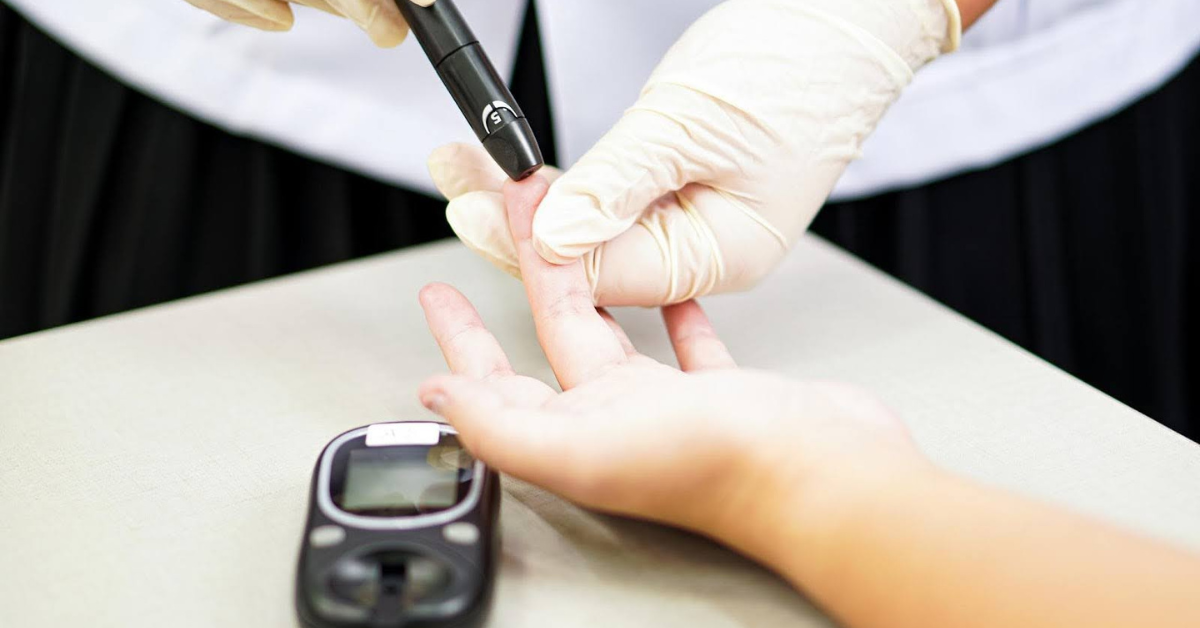
Some difference is normal. Glucose takes around 6 to 12 minutes to reach the fluid a CGM reads, so the gap grows after meals and exercise. Compare the two when your trend arrow is flat, with clean, dry hands for the finger prick. Meters have a tolerance too: under the ISO standard, 95% of results must be within 0.83 mmol/L of the lab value below 5.55 mmol/L, and within 15% above it.
Clean off lotion and old adhesive, let the skin dry fully, and use an overpatch. Trim lifted edges and add medical tape. Accu-Chek notes adhesive comes off more easily in water, so add waterproof tape before swimming.
Wait out the warm-up (30 minutes for Dexcom G7, 60 minutes for Libre 2 Plus and SmartGuide). Accuracy generally improves after the first day, so check anything surprising with a finger prick.
Keep your phone within Bluetooth range and switched on, and let the CGM app run in the background with notifications allowed. Check your phone's battery-saver settings are not closing the app. Heat above the sensor's operating range, such as a sauna, can also pause readings.
Keep your phone close, the app open in the background and alerts switched on, and you will rarely lose data.
Your CGM can help you notice how hunger and meal timing affect you, but your glucose number is not a hunger gauge.
Use the numbers alongside your body's cues. Our guide to blood sugar after eating explains what a normal meal response looks like.

The Vively CGM program pairs a 14-day CGM sensor with the Vively app, so you can see how food, exercise, sleep and stress affect your glucose. We give you clear guidance on what to change, based on your own patterns. Read how Vively works, or find out whether a CGM suits you without diabetes.
Wear a CGM sensor for 14 days and see how your meals, sleep, stress and movement shift your glucose, with clear guidance on what to change.
The back of the upper arm, on a fleshy area where you will not bump it. Choose a flat spot with some fat under the skin, away from scars, tattoos and anything that rubs. Use the arm you do not usually sleep on to avoid false lows overnight, and move each new sensor to a fresh spot.
Only if your sensor is approved for it. Dexcom G7 can be worn on the abdomen, but FreeStyle Libre 2 Plus and Accu-Chek SmartGuide are designed for the upper arm only. In Dexcom's adult study, G7 was slightly more accurate on the arm (MARD 8.2%) than the abdomen (MARD 9.1%).
Usually because of timing, pressure or the site. A CGM reads glucose in the fluid under your skin, which lags blood by around 6 to 12 minutes. Lying on the sensor, the first day of wear, poor adhesion and some supplements can also throw readings off. If readings do not match how you feel, check with a finger prick.
You can, but it can cause false lows. Pressure on the sensor squeezes fluid from the tissue, so the reading drops suddenly and recovers when you move. If you sleep on one side, wear the sensor on the other arm. Treat any low with symptoms as real and confirm it with a finger prick.
Yes, current CGMs are accurate enough for daily use, though not identical to a blood test. Accuracy is measured as MARD, where lower is better. Published figures for several sensors sold in Australia range from 7.9% to 9.1%, and Australian Prescriber notes a MARD below 10% is considered safe for insulin dosing.
Peel the adhesive back slowly from one edge, as you would a plaster. If it sticks, an adhesive remover wipe or a little baby oil around the edge helps. A sensor cannot be reused once it is off, so dispose of it as the instructions that came with it describe.
Most people feel a quick pinch, or nothing at all, when the applicator inserts the filament. Once it is in, the filament is thin and flexible and you should not feel it. If the site stays painful, red or swollen, remove the sensor as the instructions describe and talk to a health professional.
START YOUR BASELINE
Vively includes a Baseline Health Check with 70+ biomarkers, a results report and practitioner support in the $99 a month membership. No minimum term.
Explore Baseline Health CheckSubscribe to our newsletter & join a community of 30,000+ Aussies
Start a PCOS assessment with your GP. Learn which blood tests matter, when ultrasound or AMH is useful, and how contraception affects results.

Know what to do about an unexpected high blood sugar reading, when to seek urgent help, and which everyday habits support longer-term glucose care.
.avif)


.svg)


Vively is a general wellness platform and does not provide medical advice, diagnosis, or treatment. Any information, insights or guidance offered through our app, website, programs, or coaches is for educational and informational purposes only and should not be considered a substitute for professional medical advice or care. Always consult a qualified healthcare provider before making any health-related decisions.
We acknowledge the Traditional Custodians of the lands where we live and work, the Gadigal of the Eora Nation. We pay our respects to their Elders past and present.
 Share
Share Tweet
Tweet Share
Share